01
Put the footage in
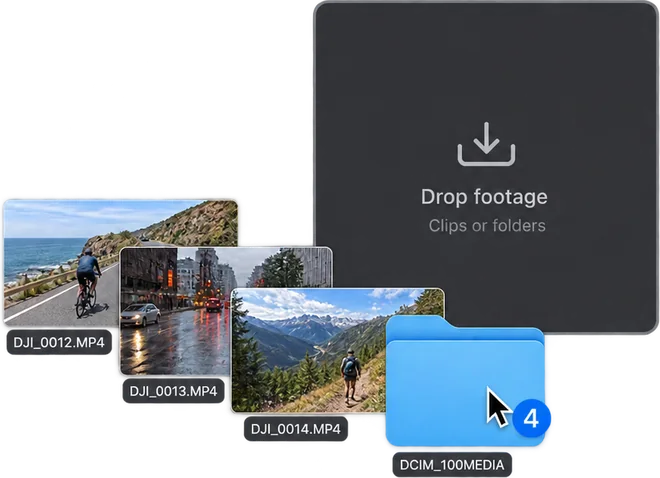
The files straight off the camera. Several at once is fine, and so is more than one camera.
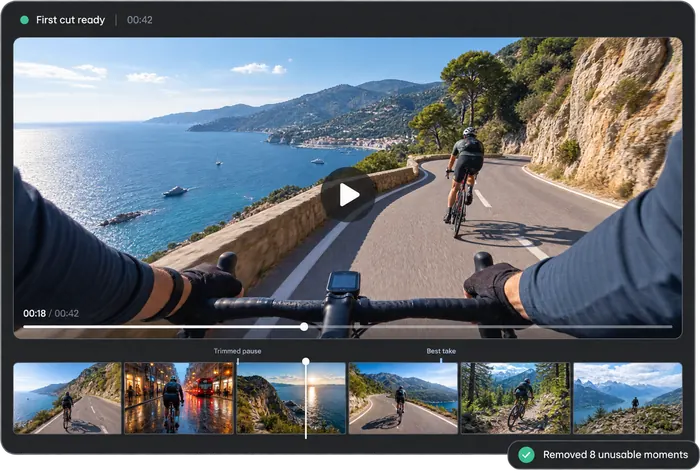
PREPIX is an AI editing agent that watches your footage, removes bad takes, and builds a story-driven rough cut — through conversation.
PREPIX is a Mac and Windows desktop app.









Hours of footage is the same three steps.
01
The files straight off the camera. Several at once is fine, and so is more than one camera.
02
Something like "make it 20 minutes, keep it calm". No editing vocabulary required.
03
Cut and ordered the way you asked, subtitles already on. Anything you do not like, say so and it changes.
You cannot decide how to edit until you know what was shot.
It works out who appears, where they are and what they are doing, and what is being said. Two hours of watching, finished in under five minutes.
021:12 → 3:40Driving along the coast road
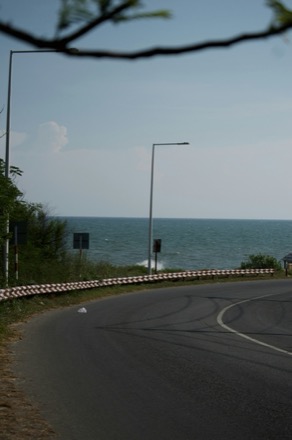
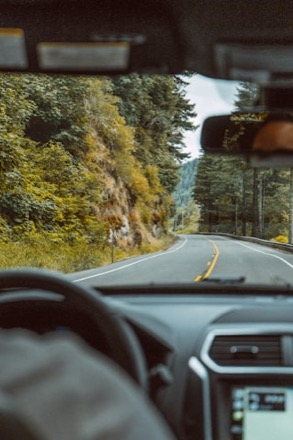
Shot from inside the car, sea on the right the whole way.
033:40 → 5:02Pulled over to film the sea
Stops on the shoulder and gets out to shoot.
The length, the feel, which scenes to keep: all of it is decided by saying so. Hundreds of adjustments you would have made by hand, in one sentence.
Cut the silences, and from each retake keep the best take.
Thinking
Two jobs: drop the silences, then choose between the retakes.
Finding silences41 places
Grouping retakes9 groups
Choosing a take per groupfocus · shake
Applying to the timeline21:00 → 12:40
Cut 41 silent stretches and kept the steadiest take from each of the 9 retake groups. Left 0.3s of air around every join so nothing clips a word, and trimmed the ends off two shaky ones. Three groups were close, so I took the later take — ask me to redo just those.
Scenes chosen, order set, subtitles on. Two hours of footage opens as a twenty-minute edit.
Source
021:12 → 3:40Driving along the coast road
Shot from inside the car, sea on the right the whole way.
033:40 → 5:02Pulled over to film the sea
Stops on the shoulder and gets out to shoot.
Dead air, verticals, subtitles — the work that eats most of the day.
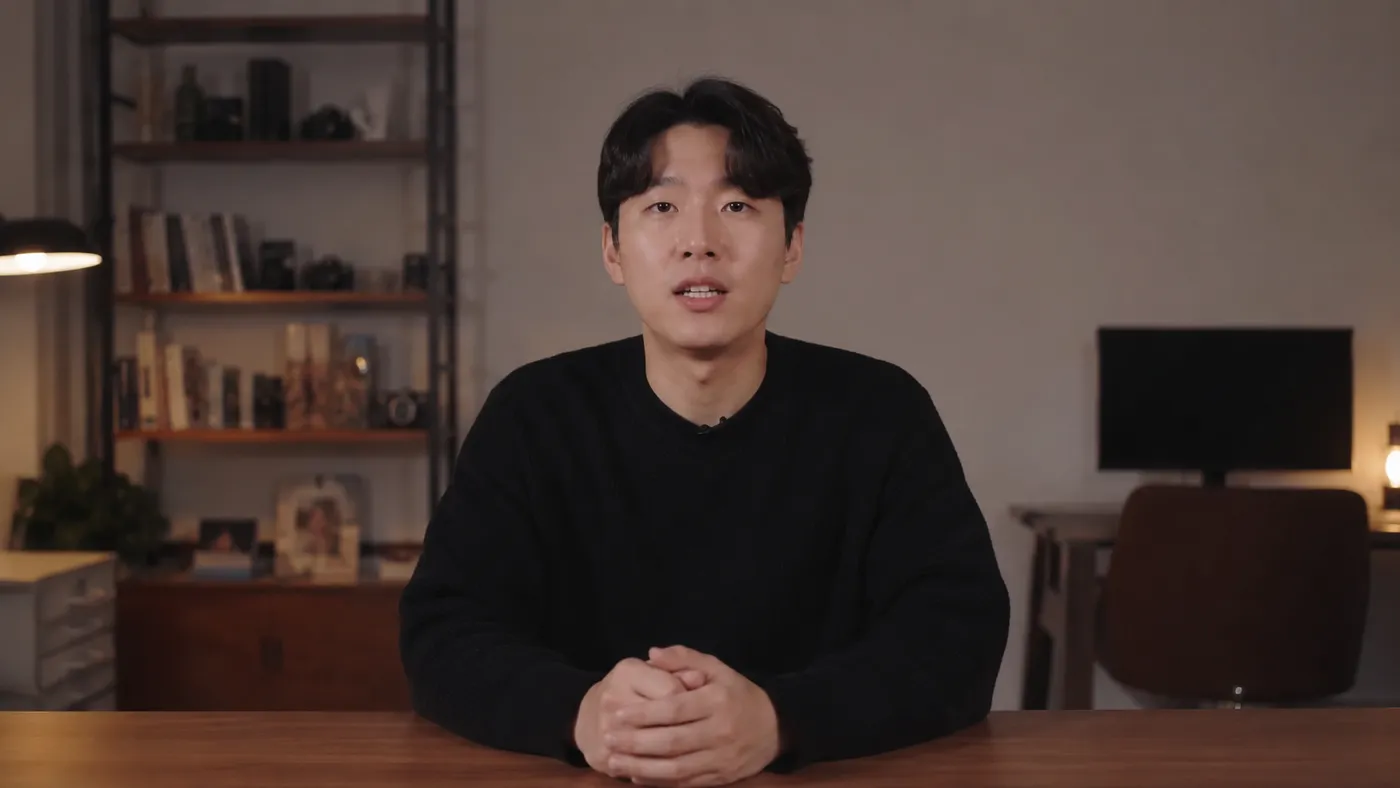
Bad takes, retakes, silent stretches and stumbled lines — it finds them all and cuts them out.
Driving along the coast road12:35 → 14:15Looking at the sea from the car21:02 → 21:48The coast road after dark38:10 → 39:04Ask for "the bit by the sea" and it goes there. You do not need to know the file name.
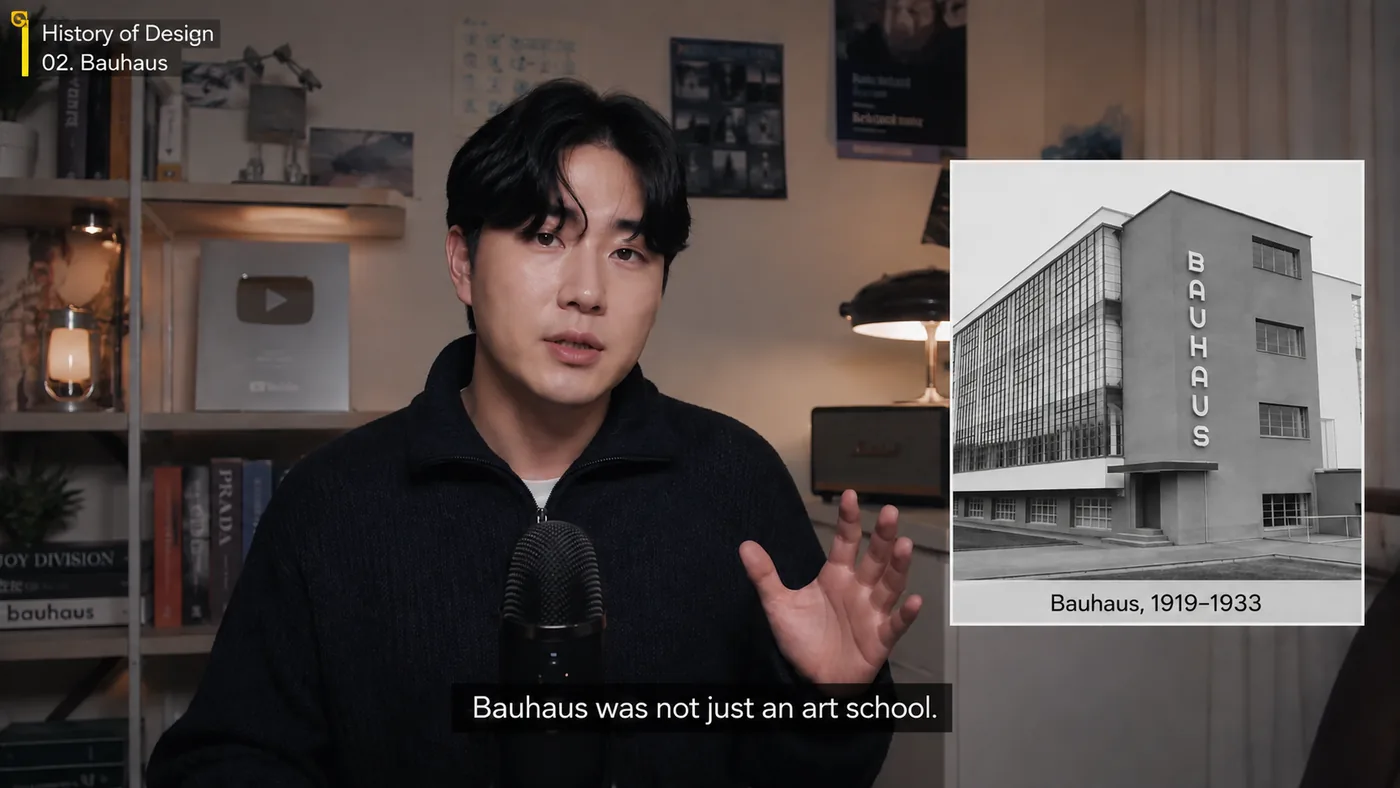
Subtitles are generated from the script. It reads the context to find natural places to break them.
Before anything is cut you see the running order it intends. Change it there if it is wrong.
Footage from several cameras, laid out on one timeline and lined up in sync.
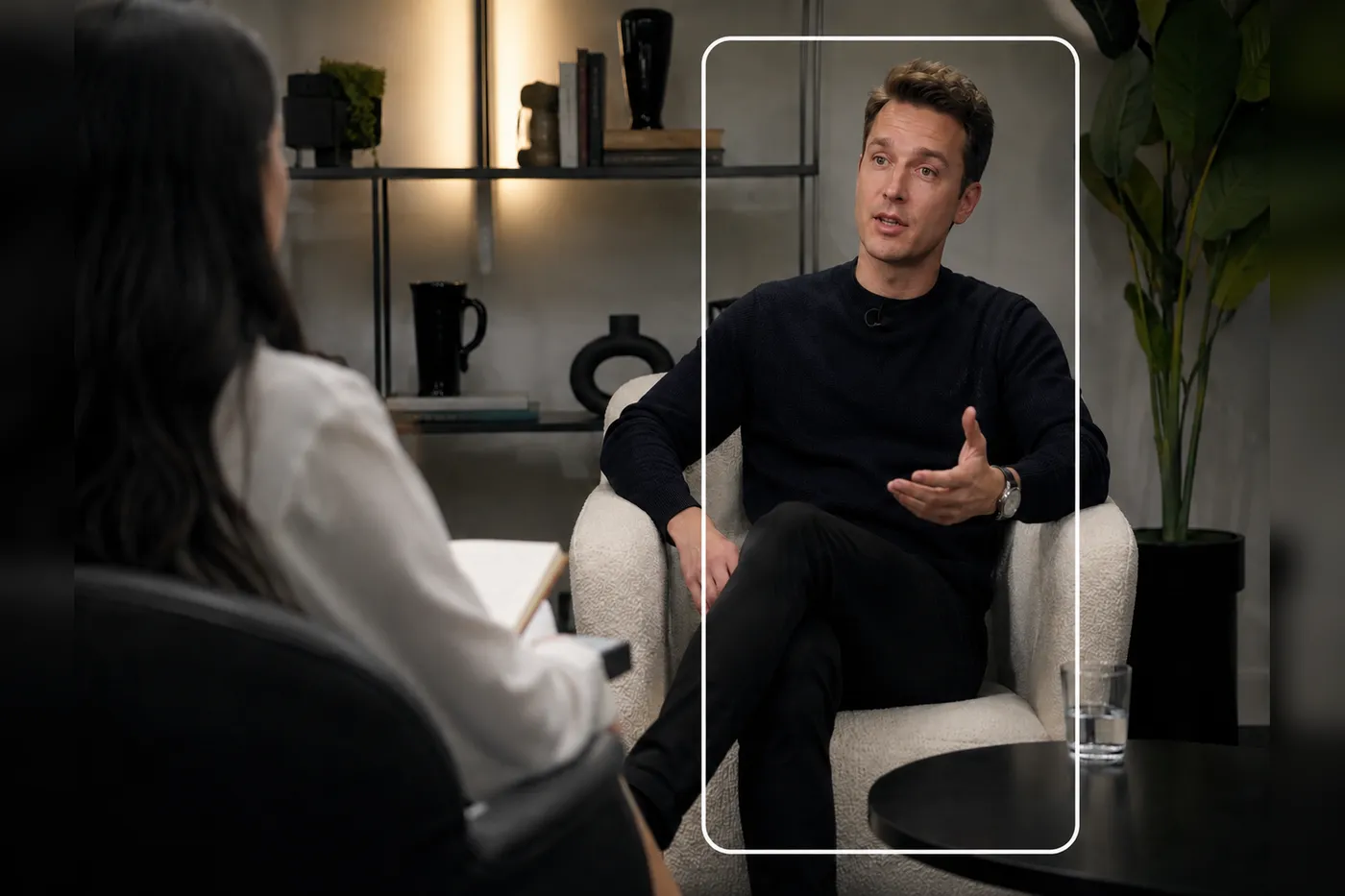
It picks the fun moments and the important ones, and builds shorts out of them.
PREPIX does not replace your editor. The cut and subtitles come out as a timeline — you finish where you always do.
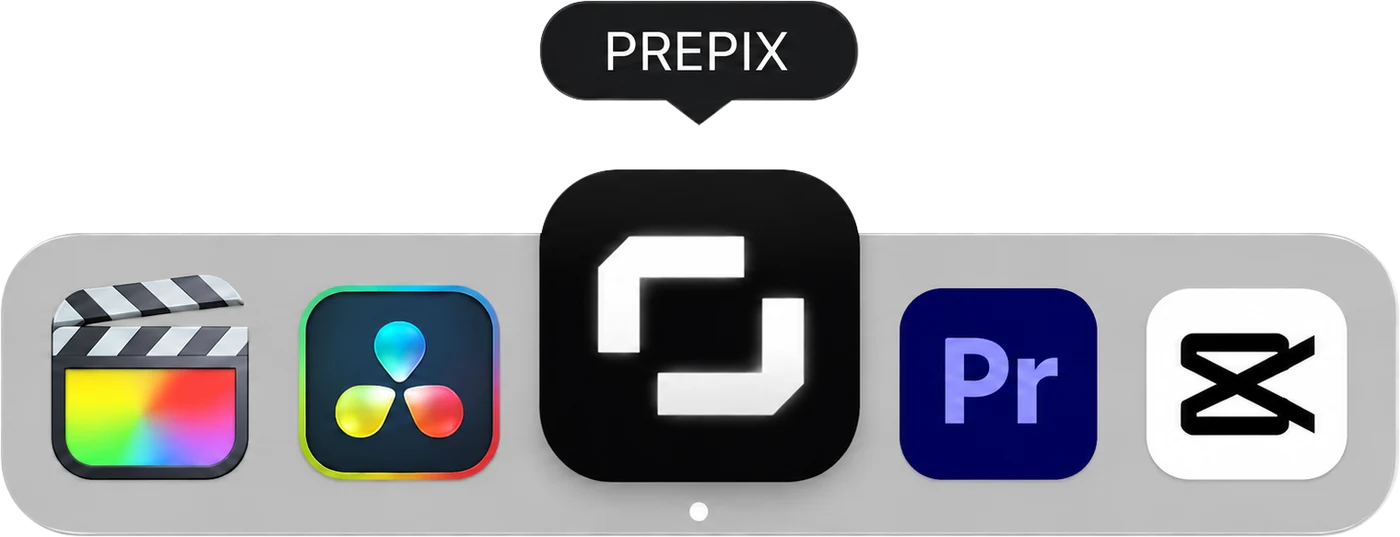
Timeline export to Premiere Pro and Final Cut Pro — or straight out as a video file
From a vlog to an event recap — shot differently, so cut differently.

Hours of footage, minutes worth keeping. The dead air and the stumbles come out, and the subtitles are already on.

Two or three cameras lined up on timecode, cutting to whoever is speaking. Set it by hand a few times and it follows from there.

Of every take you did over, only the last one survives. Delete a line from the transcript and the video goes with it; the vertical cut comes out separately.

It finds the usable moments in a camera that ran all day. Ask for "the bit explaining the booth" and it collects those stretches.
Free
Free
14 days free from sign-up
60 min
Footage read during the trial, measured on the uploaded original
Core features
Light
$32.99 / mo
For a creator just getting started
180 min / mo
Footage read per month, measured on the uploaded original
Everything in Free
Creator
Most chosen$49.99 / mo
For the full-time solo creator shipping one or two a week
300 min / mo
Footage read per month, measured on the uploaded original
Everything in Light
Business
$129 / mo
For in-house content teams and agencies making more video, faster
600 min / mo
Footage read per month, measured on the uploaded original
Everything in Creator
Prices exclude tax (Business: per seat) · Unused minutes do not roll over
Yes. Drop the footage in and a first cut comes out; say what you want changed. The complicated parts of the editor are there when you need them, and you can finish a whole video without ever touching them.
The length of the footage you upload. Put in a 30-minute recording and 30 minutes come off, however many times you re-cut it afterwards. Cutting, trimming and exporting are unlimited.
Only new footage stops being analysed. Anything already analysed can still be edited and exported. Creator can buy 60 more minutes for KRW 4,900, and unused minutes do not roll over.
Ask again for the part you do not like. Say "make this stretch shorter" and it redoes that stretch only, leaving the rest alone.
Yes. You get the cut and the subtitles as a timeline and finish where you always finish — or export straight to a video file.
The original files stay on your machine. They are not shared to the cloud.
Free for 14 days from sign-up. No editing experience needed.